
Settings
Admin → Settings is where a store manager configures the store without ever touching the server. Values set here override the .env defaults that were read at seed time.
Business
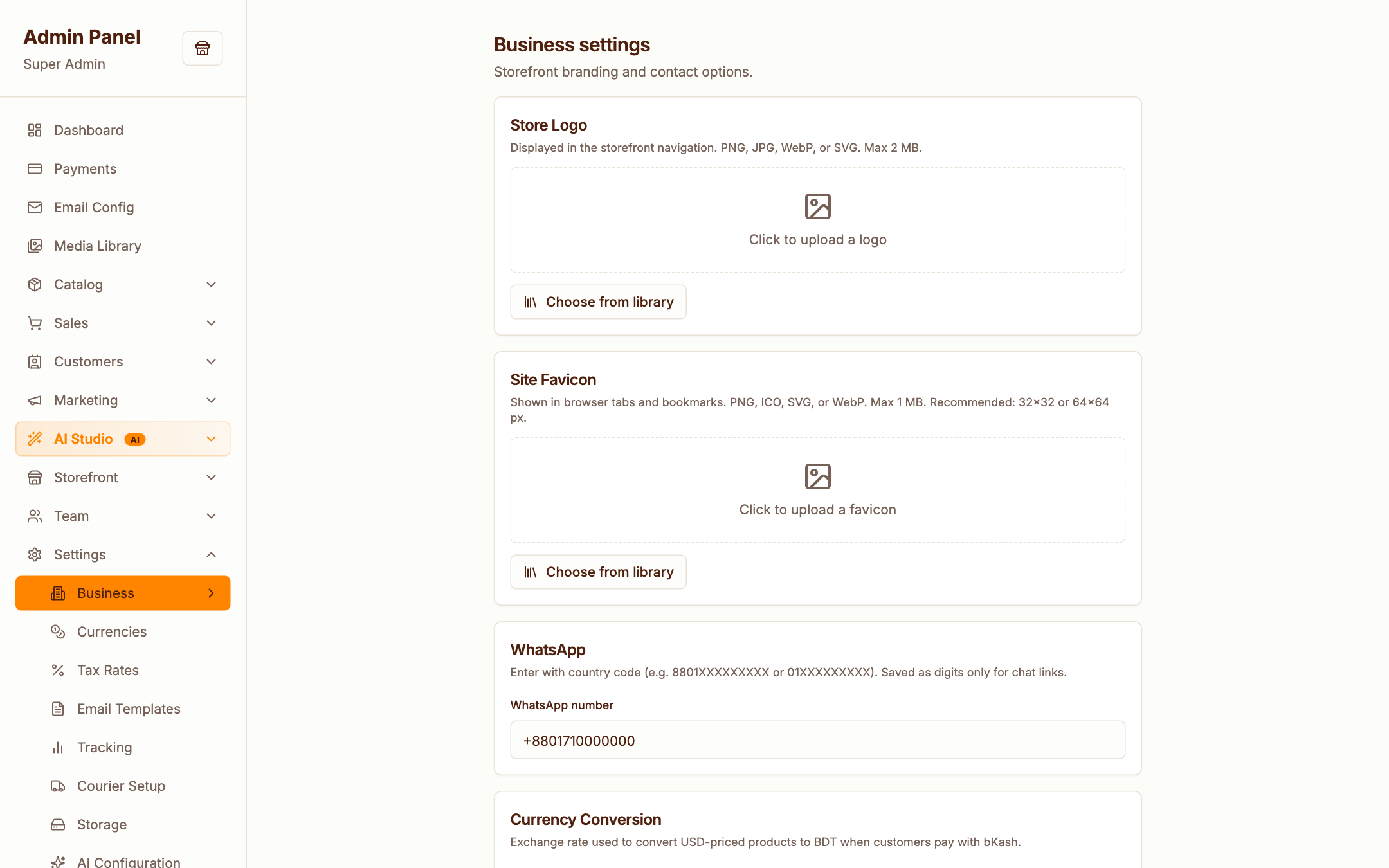
Store identity: name, contact details, timezone, address — used across the storefront, emails and invoices.
Payments
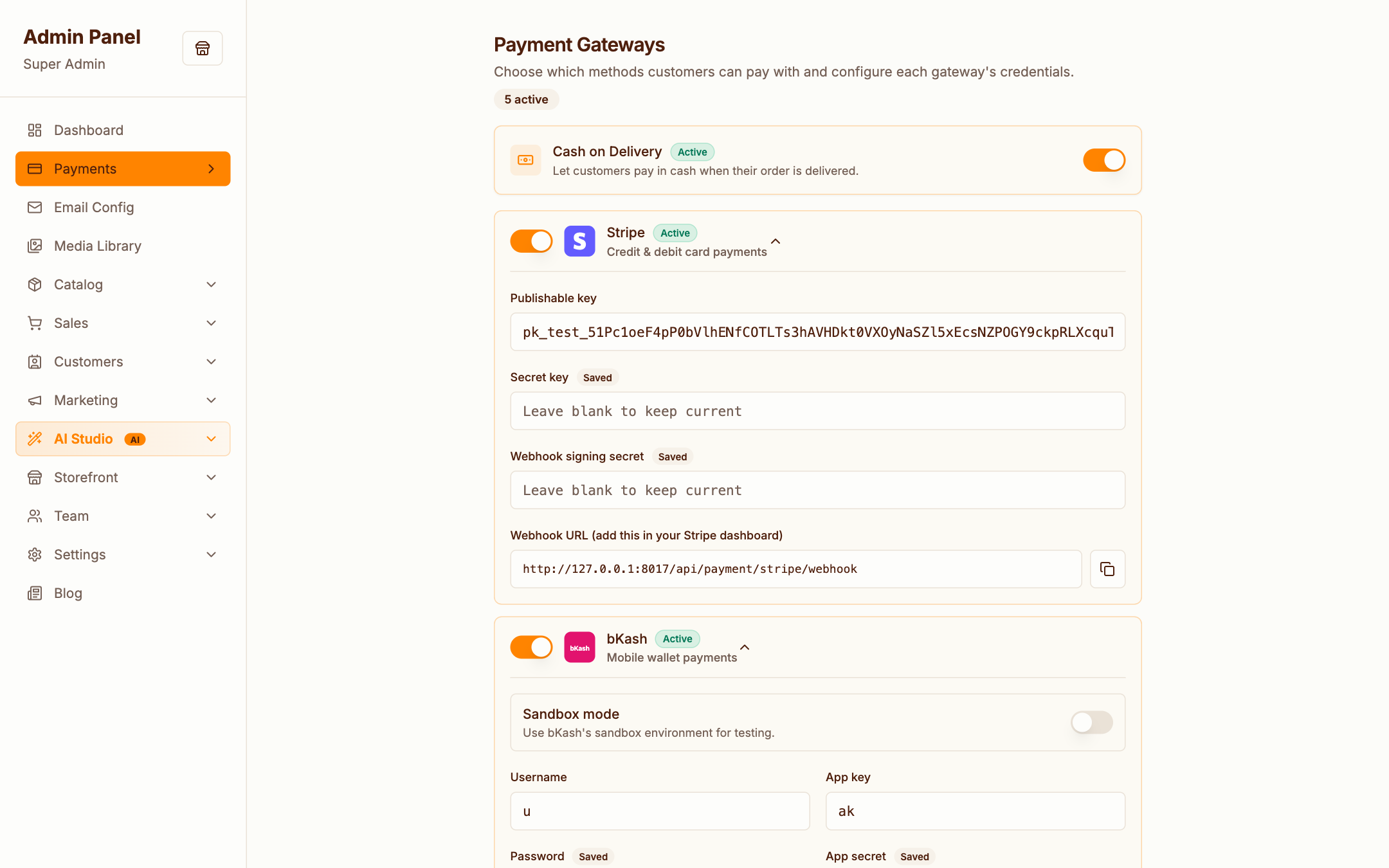
Enable and configure gateways per method:
- Cash on Delivery — on by default, zero config
- Stripe — publishable/secret keys, webhook secret
- PayPal — client id/secret, sandbox/live mode
- bKash and SSLCommerz — merchant credentials, sandbox toggles
Saved secrets are write-only — the form shows "Leave blank to keep current" instead of echoing keys back.
Don't forget webhooks
Online gateways confirm payments via webhooks. Register each provider's webhook URL in their dashboard — the list is in deploy/DEPLOYMENT.md.
Email Config
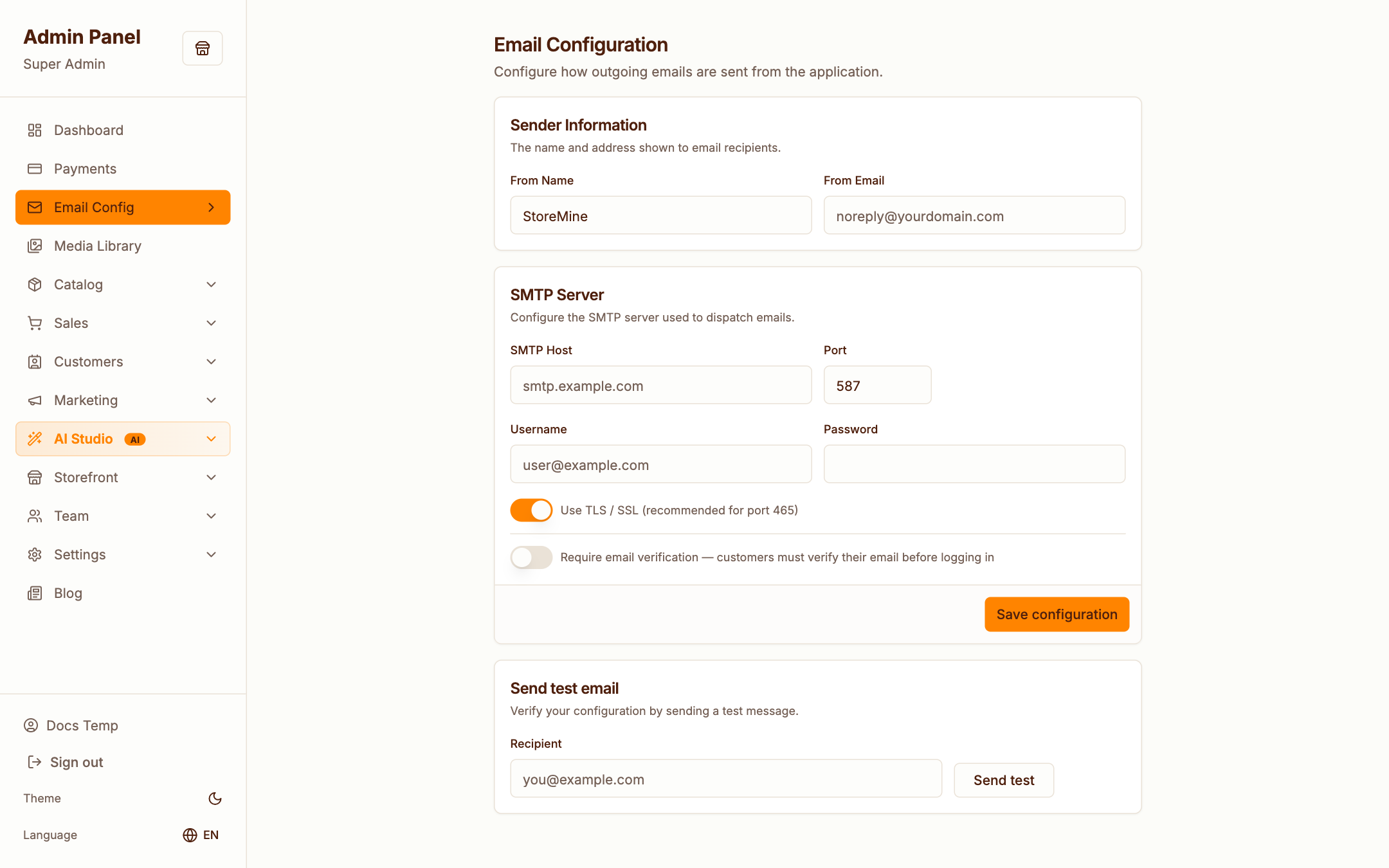
SMTP host, port, credentials and sender identity, with a test send so you know delivery works before a customer does.
Email Templates
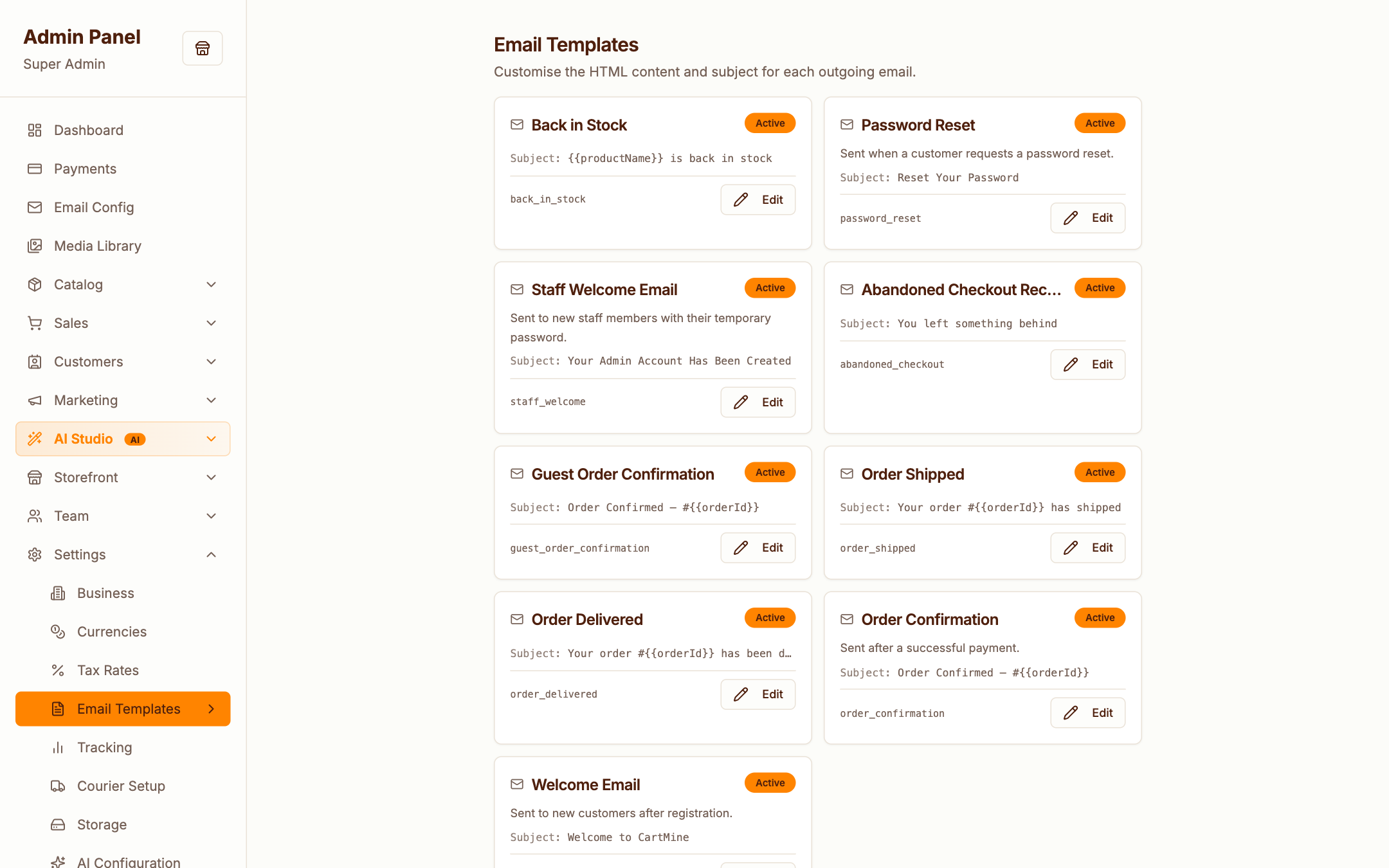
Every transactional email (order confirmation, shipping notice, password reset, abandoned-checkout reminder, …) is an editable template with placeholder variables. Adjust wording and branding freely — with Claude configured, AI can draft copy for you.
Storage
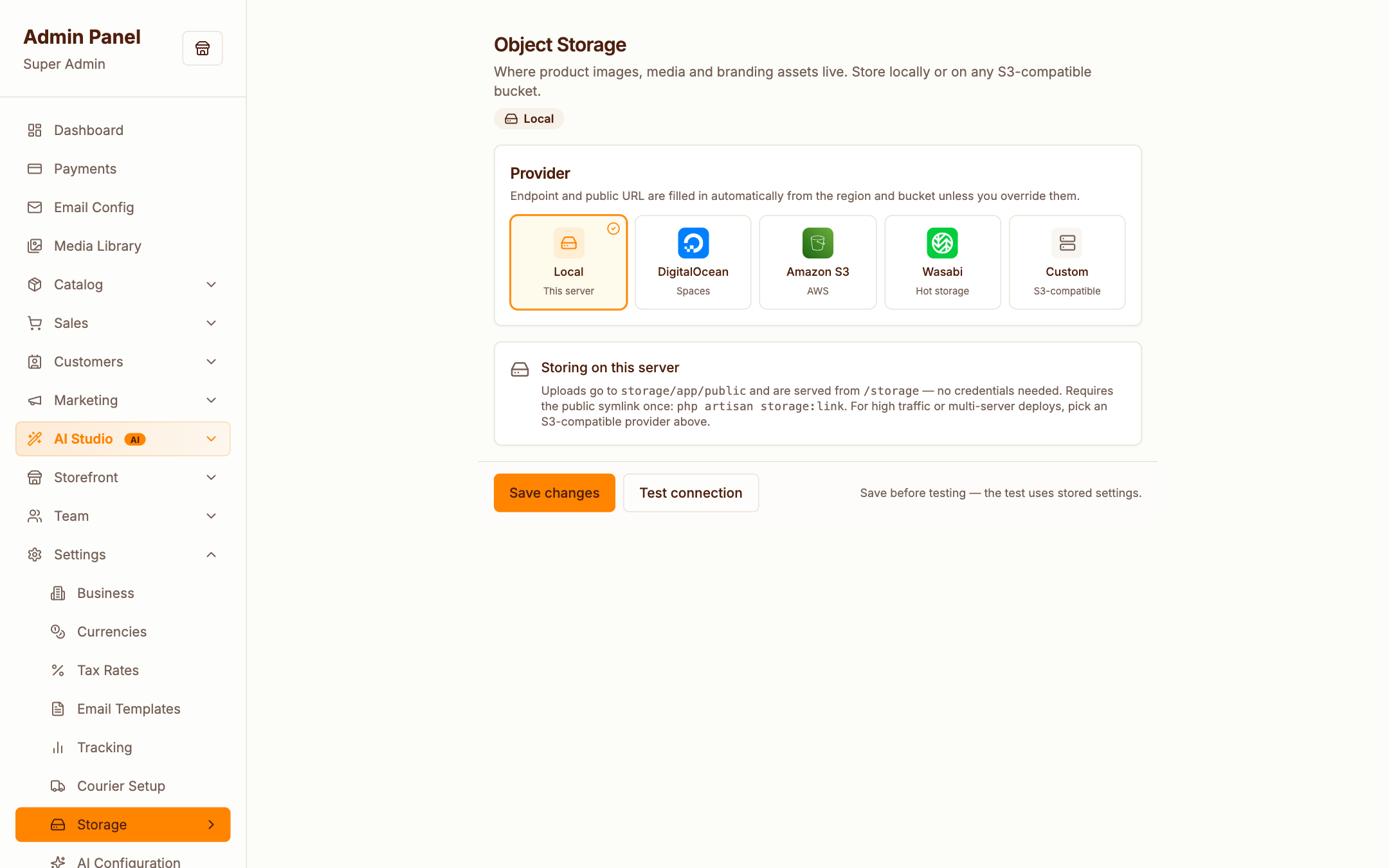
Where uploaded media lives: local disk (default), Amazon S3 or DigitalOcean Spaces. Switching providers affects new uploads.
AI
Covered in depth in AI Features.
Tracking
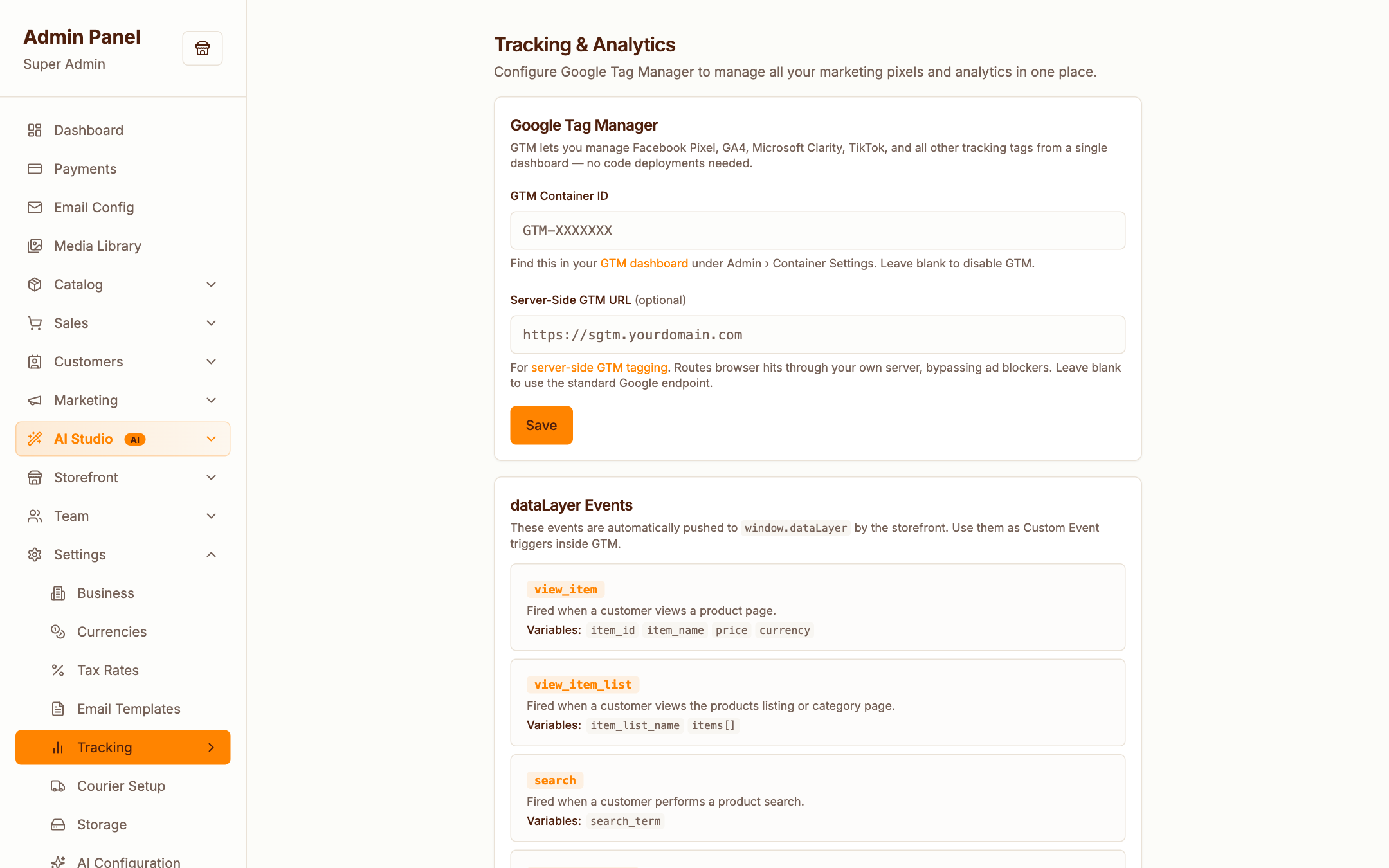
Google Analytics / Google Tag Manager IDs and marketing pixels — pasted here once, injected on the storefront automatically.
Marketing
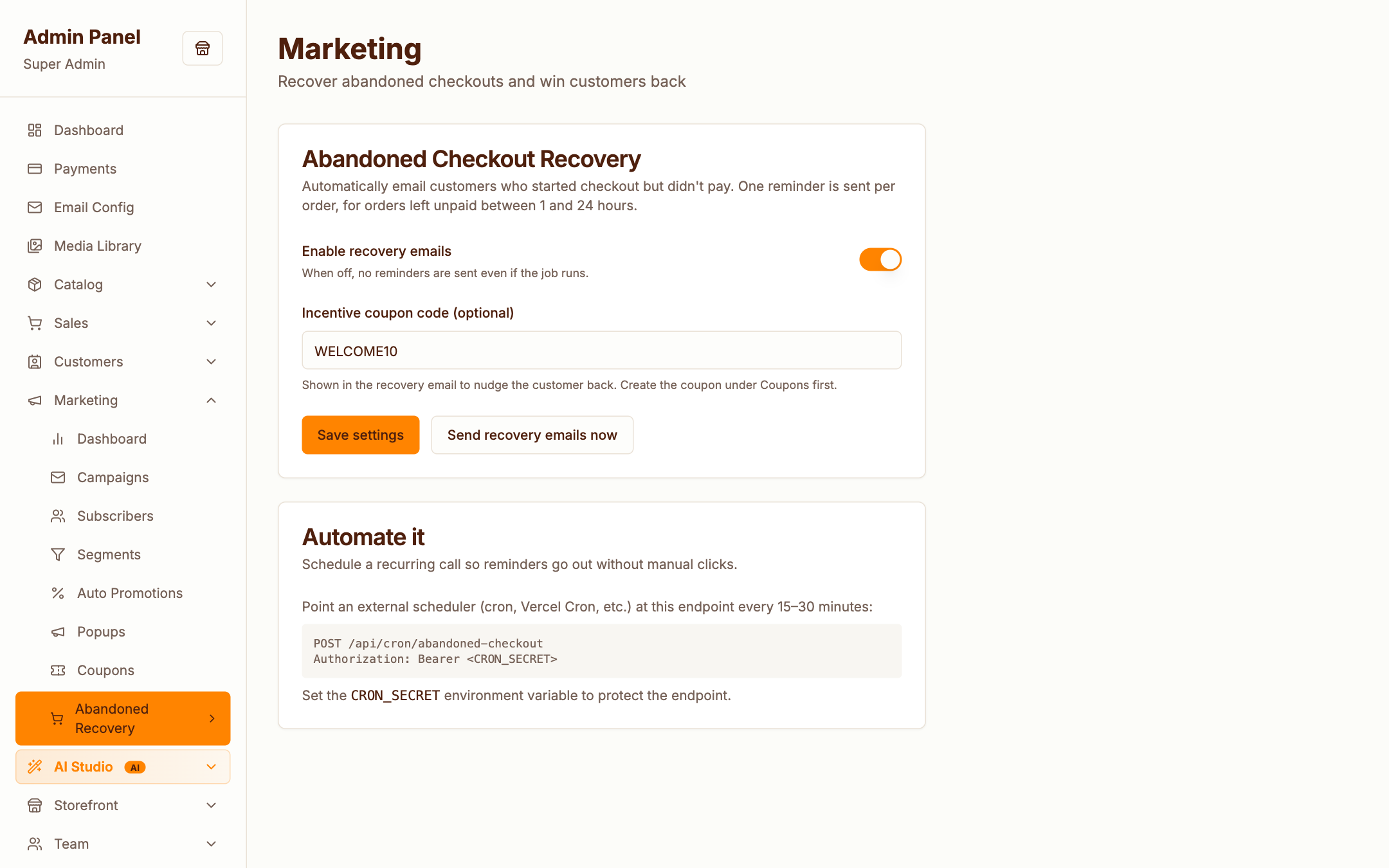
Global marketing behaviour: sender defaults, double opt-in and unsubscribe handling for campaigns.