
Content & Storefront
Everything that shapes what visitors see: media, hero slides, blog, static pages and sales funnels.
Media Library
Admin → Media Library
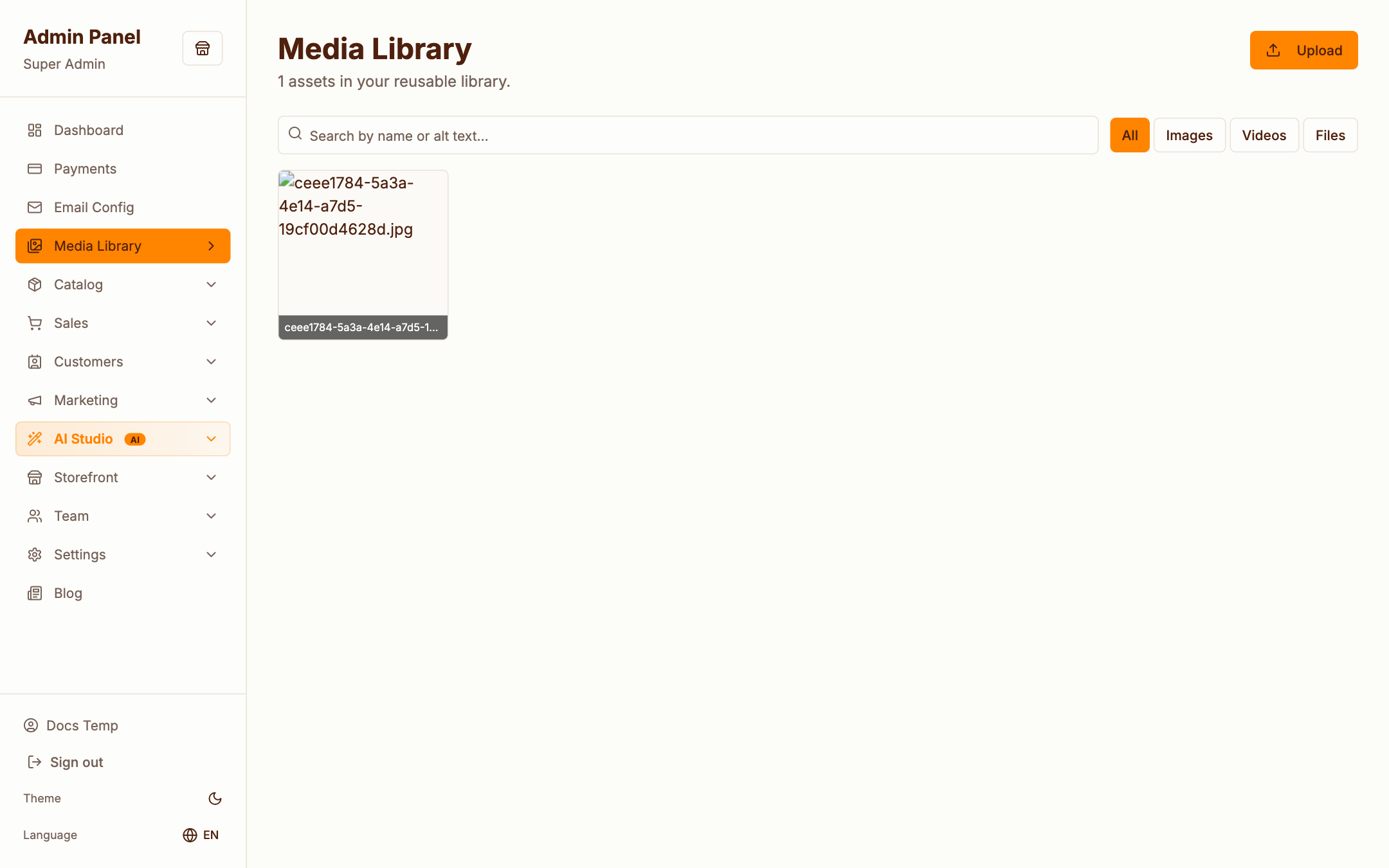
One central home for every asset — product photos, blog covers, hero images. Upload once, reuse anywhere. Files are stored on local disk by default, or on S3 / DigitalOcean Spaces when configured under Settings → Storage.
Hero slides
Admin → Storefront → Hero
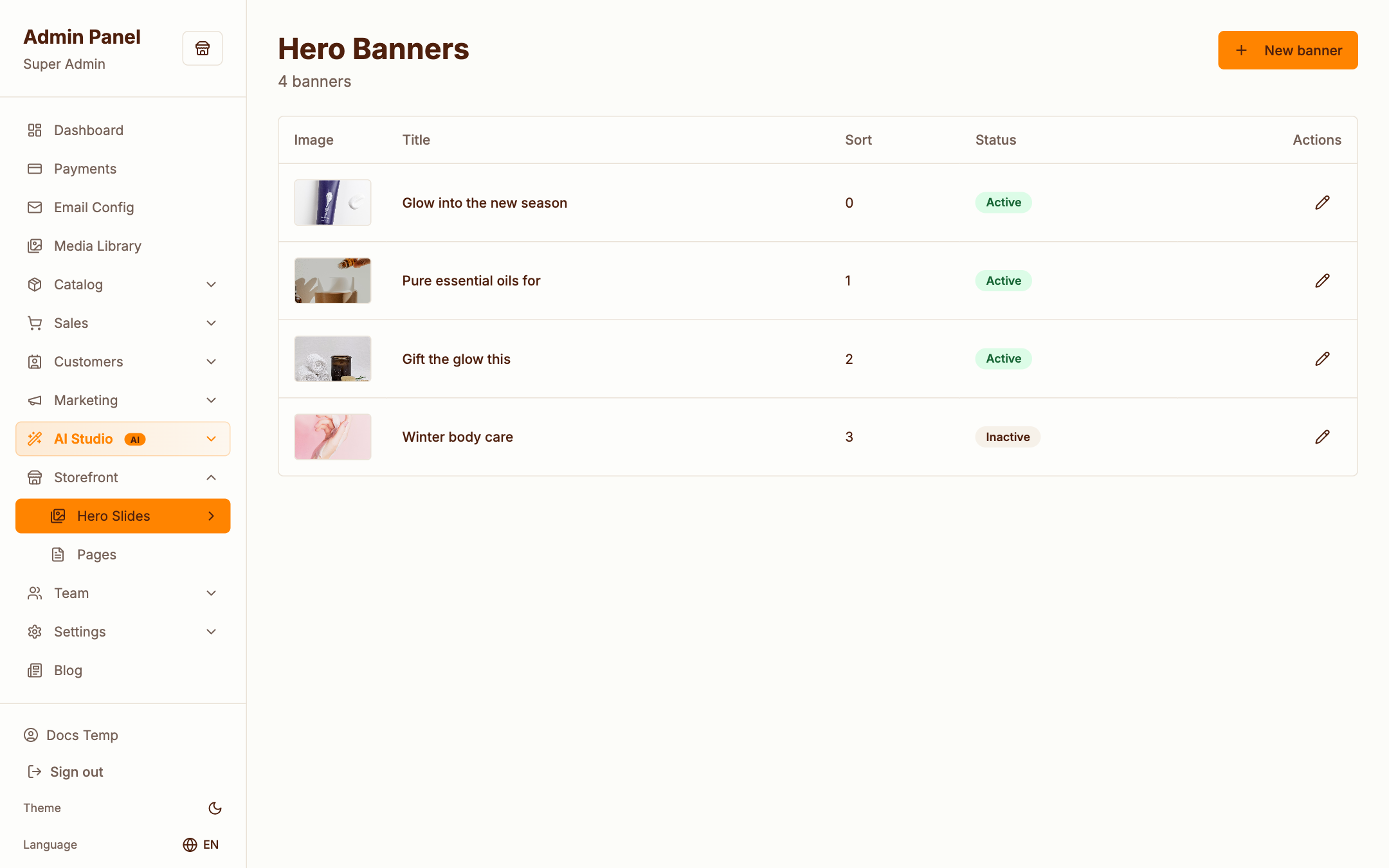
The rotating banner at the top of the storefront home page. Each slide has an image, headline, call-to-action link and ordering. Toggle slides on/off without deleting them.
Blog
Admin → Blog → Posts
A simple, fast blog: title, slug, featured image, markdown-friendly content, publish state. Posts appear on the storefront at /blog with SEO-friendly detail pages at /blog/{slug}.
Static pages
Admin → Settings → Pages
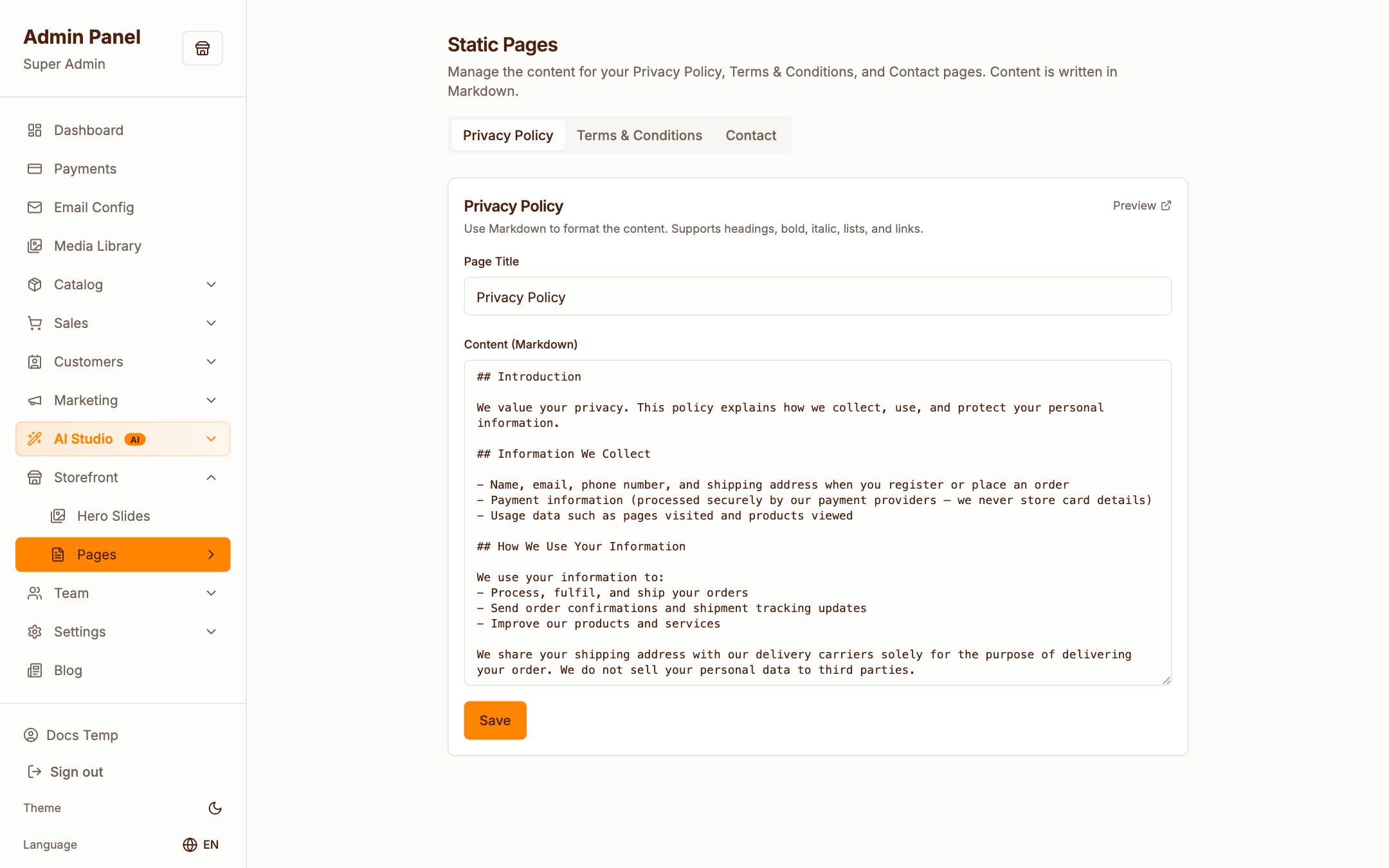
Privacy policy, terms & conditions and the contact page ship pre-seeded — edit their content here. These pages render on the storefront at /privacy-policy, /terms-of-conditions and /contact.
Funnels
Admin → Storefront → Funnels
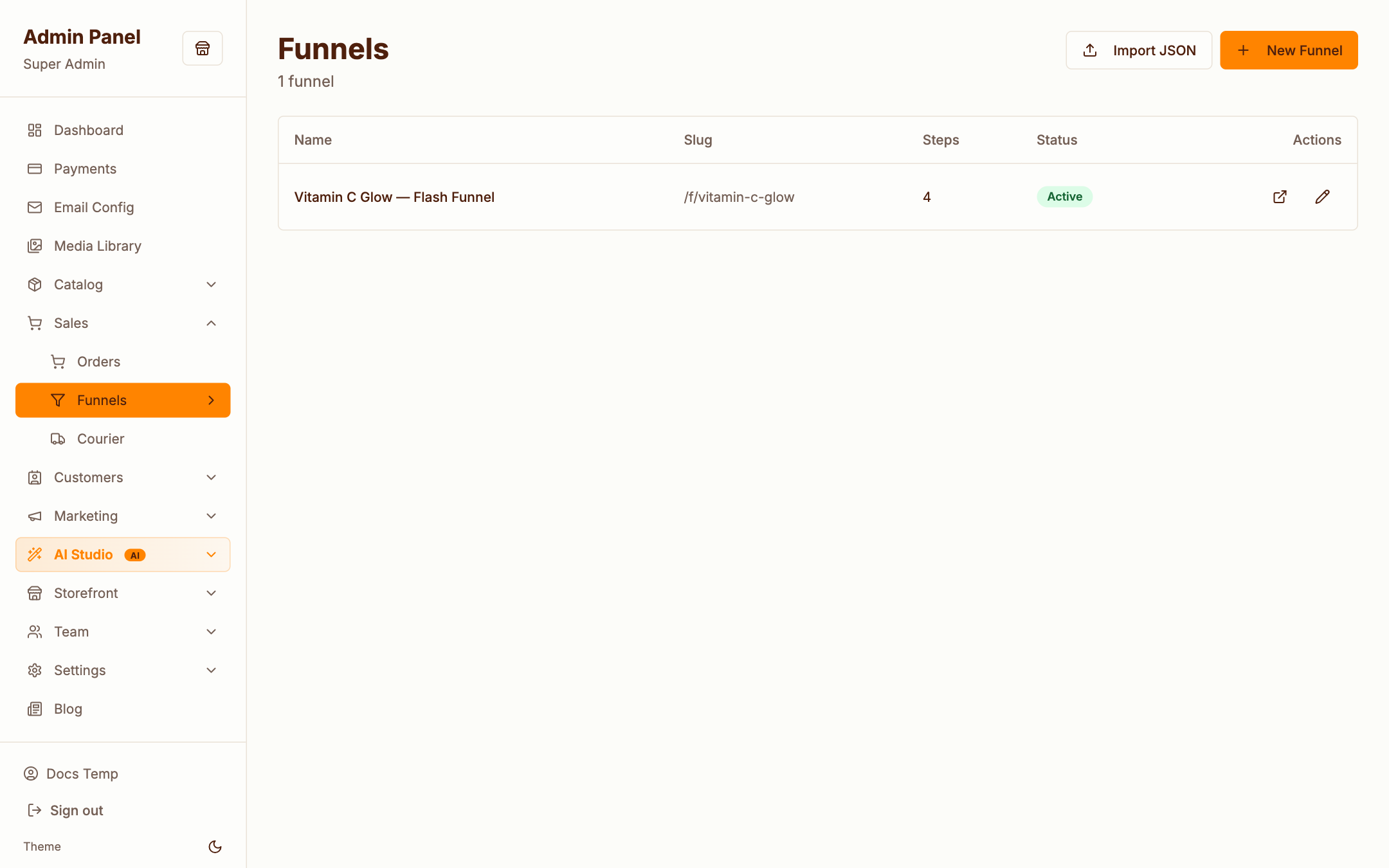
Funnels are standalone, high-conversion sales flows outside the normal catalog — perfect for launches and paid-traffic offers:
- Landing → Checkout → Upsell → Thank you step sequences at
/f/{slug} - Order bumps — an extra one-click add-on at checkout
- One-click upsells — post-purchase offers before the thank-you page
- Import/export — move funnels between installs as files
- With Claude configured, generate step copy variants and rank order-bump candidates automatically