
Marketing
Admin → Marketing is a full email-marketing and promotion suite built into your store — no third-party subscription required.
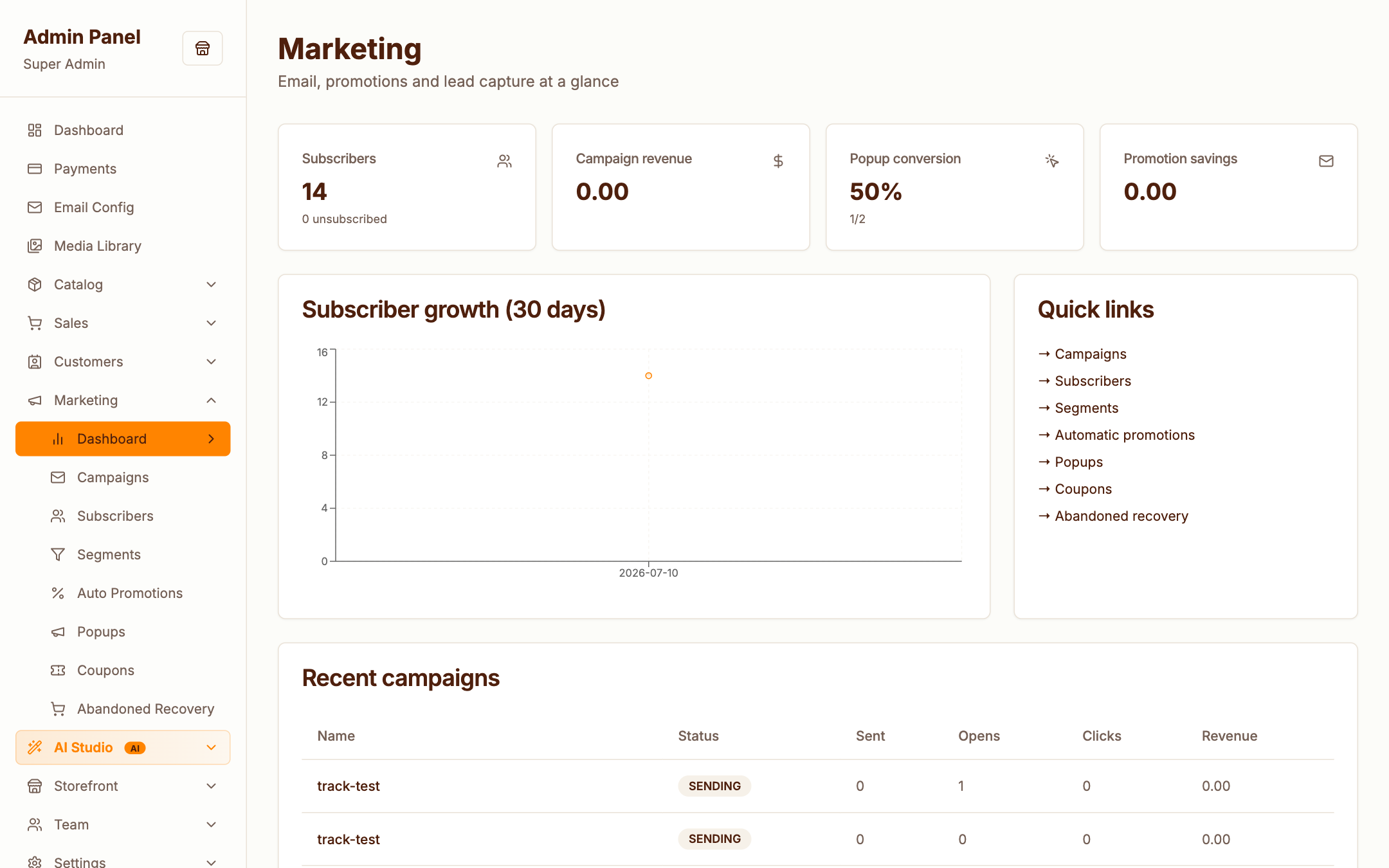
The marketing dashboard summarises campaign performance, subscriber growth and segment sizes.
Campaigns
Admin → Marketing → Campaigns
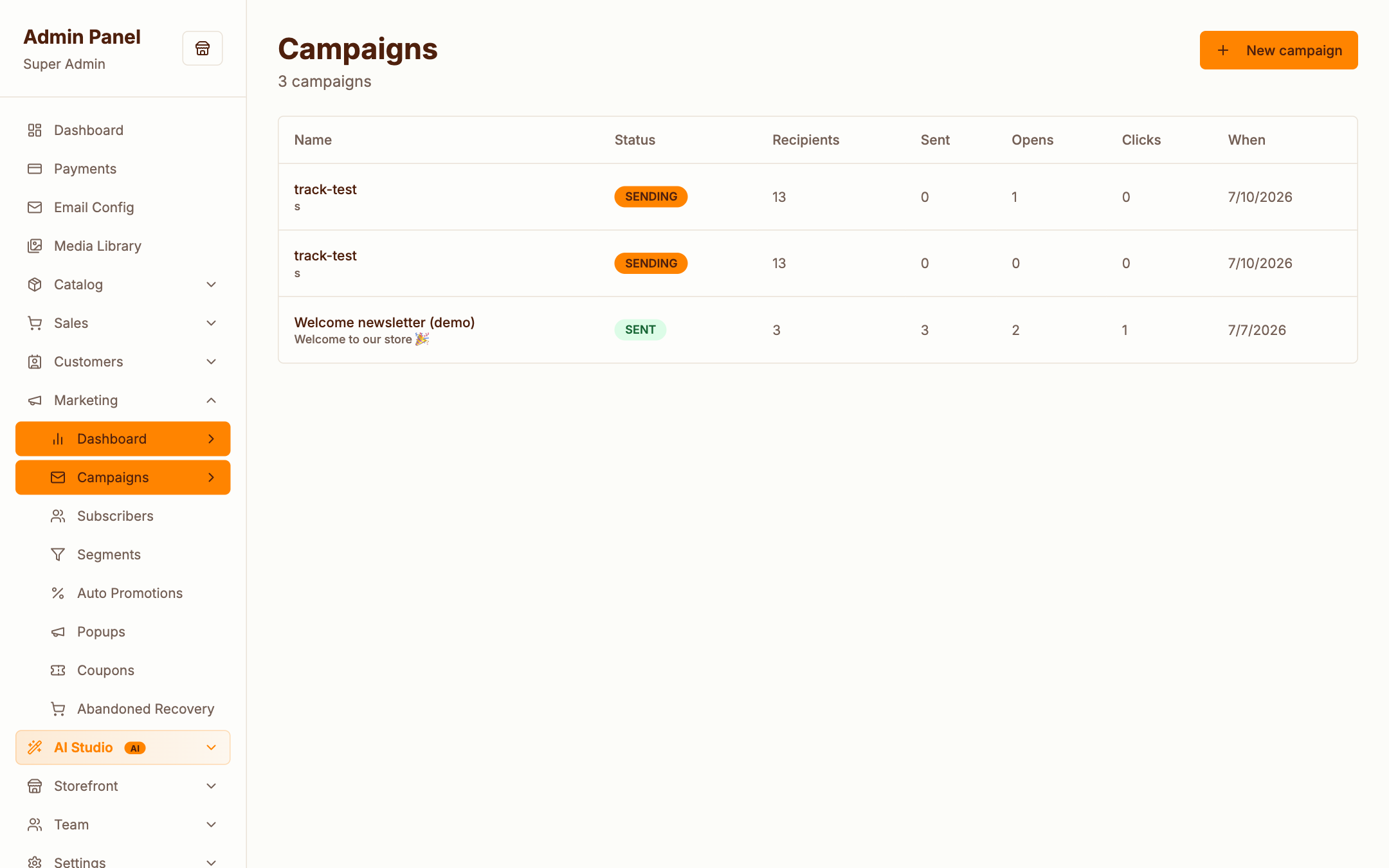
Email campaigns with the full lifecycle:
- Draft — write the email (subject, preheader, body); with Claude configured, AI can draft copy and suggest subject lines
- Target — send to all subscribers or a segment
- Schedule or send — send now, or schedule; the scheduler command (
marketing:dispatch-due) queues due campaigns automatically - Track — opens, clicks, conversions and attributed revenue per campaign
Queue worker required
Campaign sending runs through the queue. If nothing is sending, check that your queue worker is running — php artisan storemine:preflight will tell you.
Subscribers
Admin → Marketing → Subscribers
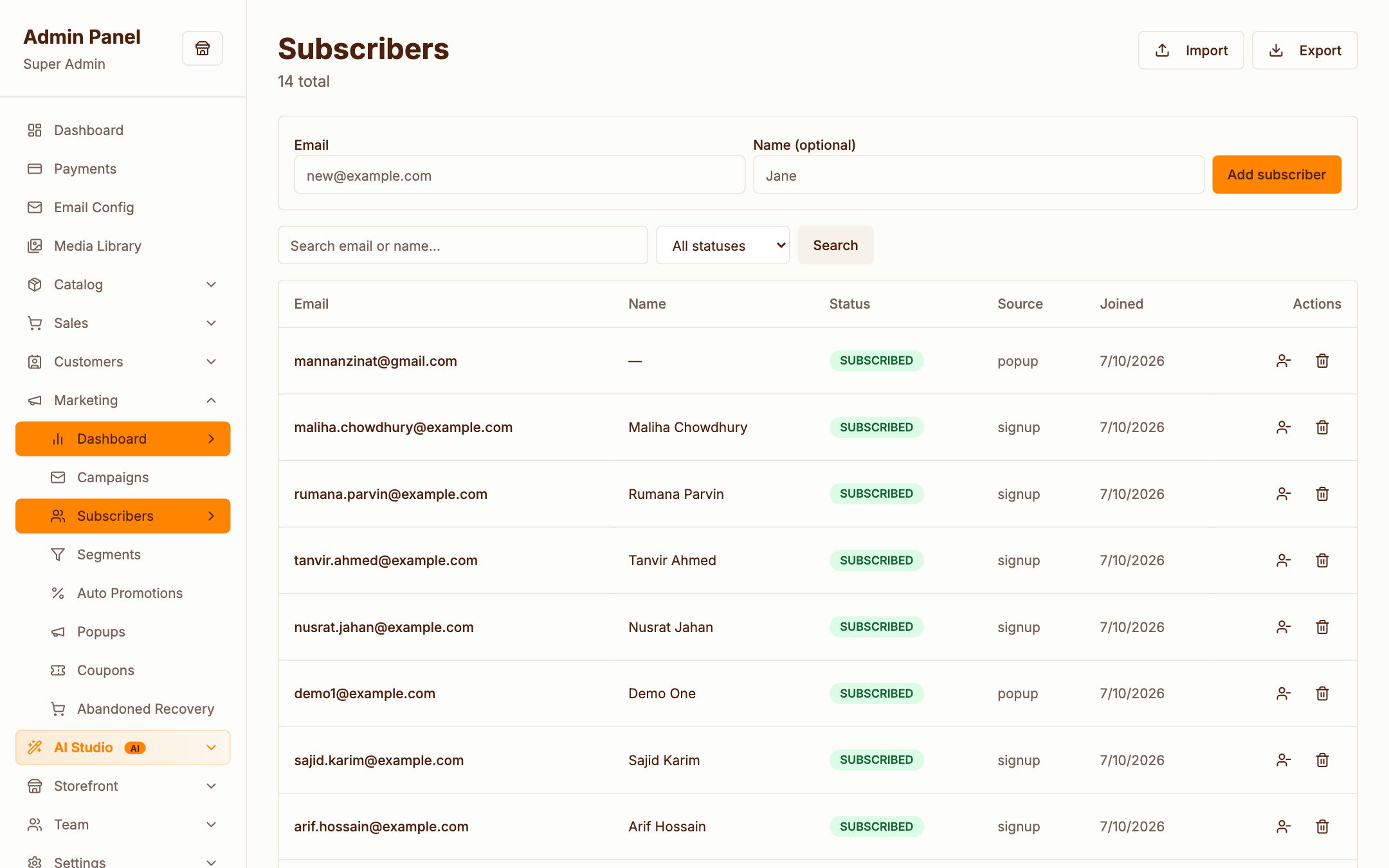
Your mailing list: search, import, export to CSV, and see per-subscriber status. Unsubscribes are handled automatically via a one-click link in every campaign email.
Storefront visitors join via the newsletter popup/footer form; customers can be added at checkout.
Segments
Admin → Marketing → Segments
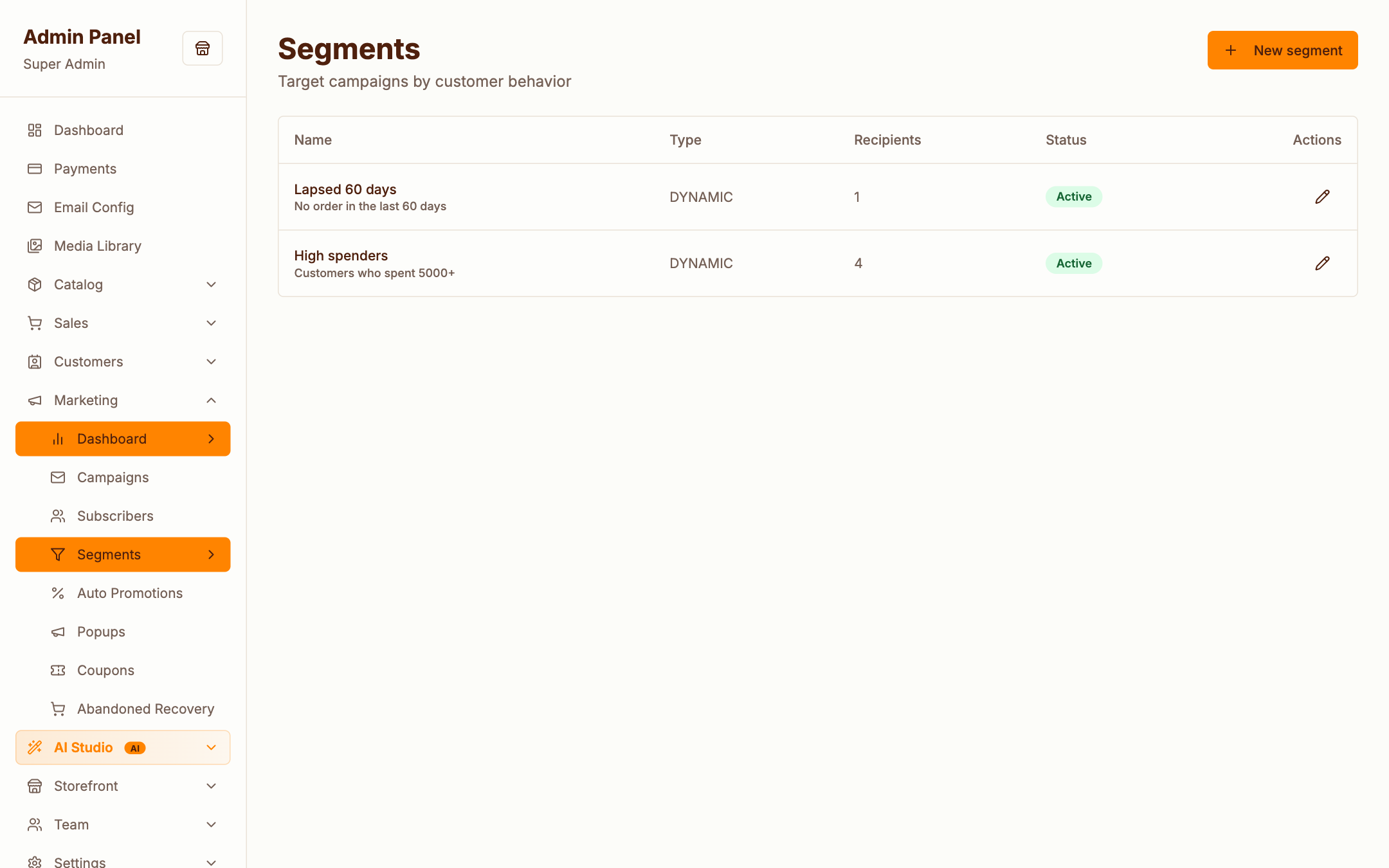
Segments are dynamic, rule-based audiences — e.g. high spenders (minimum lifetime spend) or lapsed customers (no order in N days). Membership updates automatically as customers shop; campaigns can target any segment.
Promotions
Admin → Marketing → Promotions
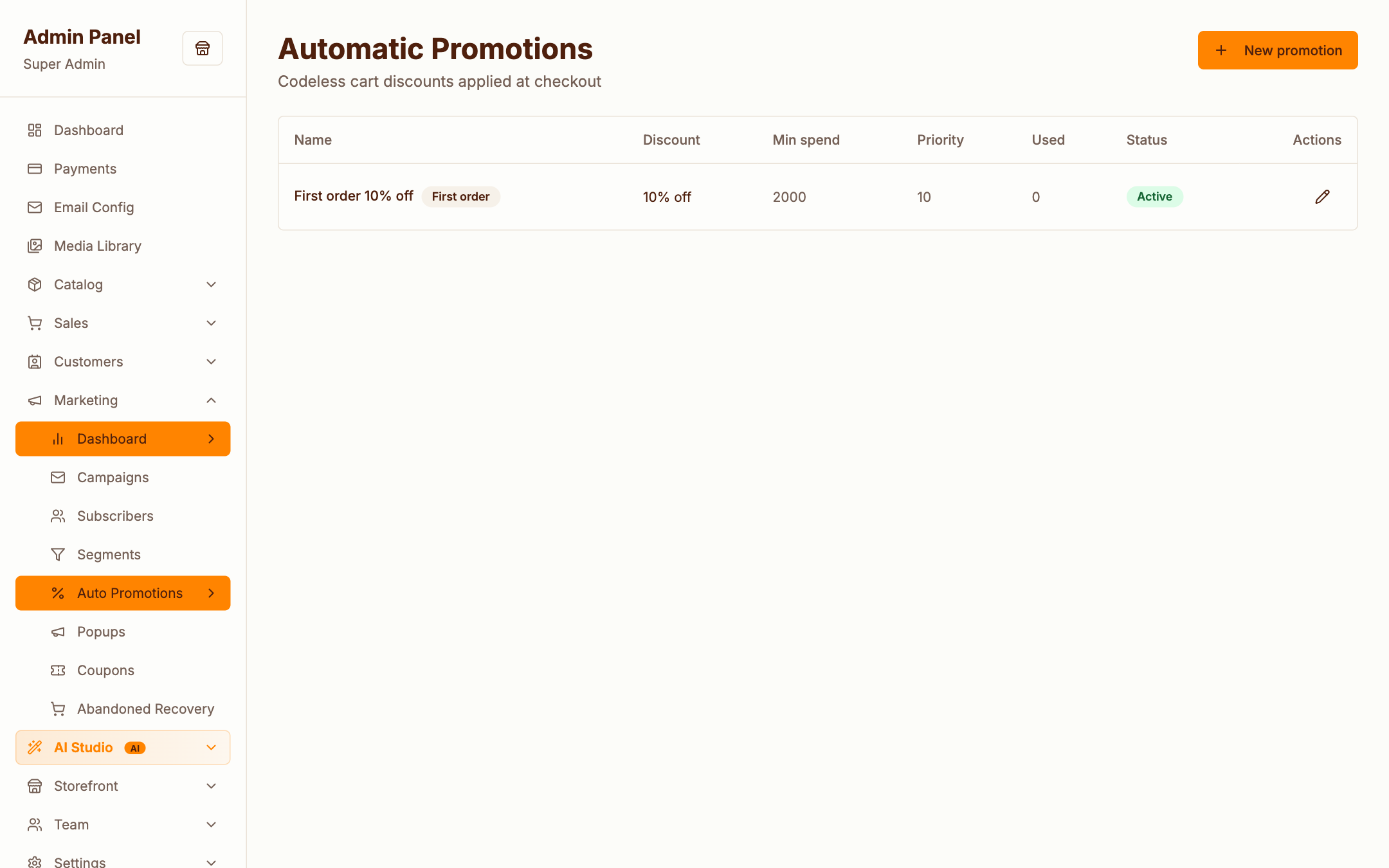
Promotions are automatic discounts — no code needed at checkout. Percent or fixed amount, with optional minimum subtotal and first order only targeting. (Code-based discounts live under Coupons.)
Popups
Admin → Marketing → Popups
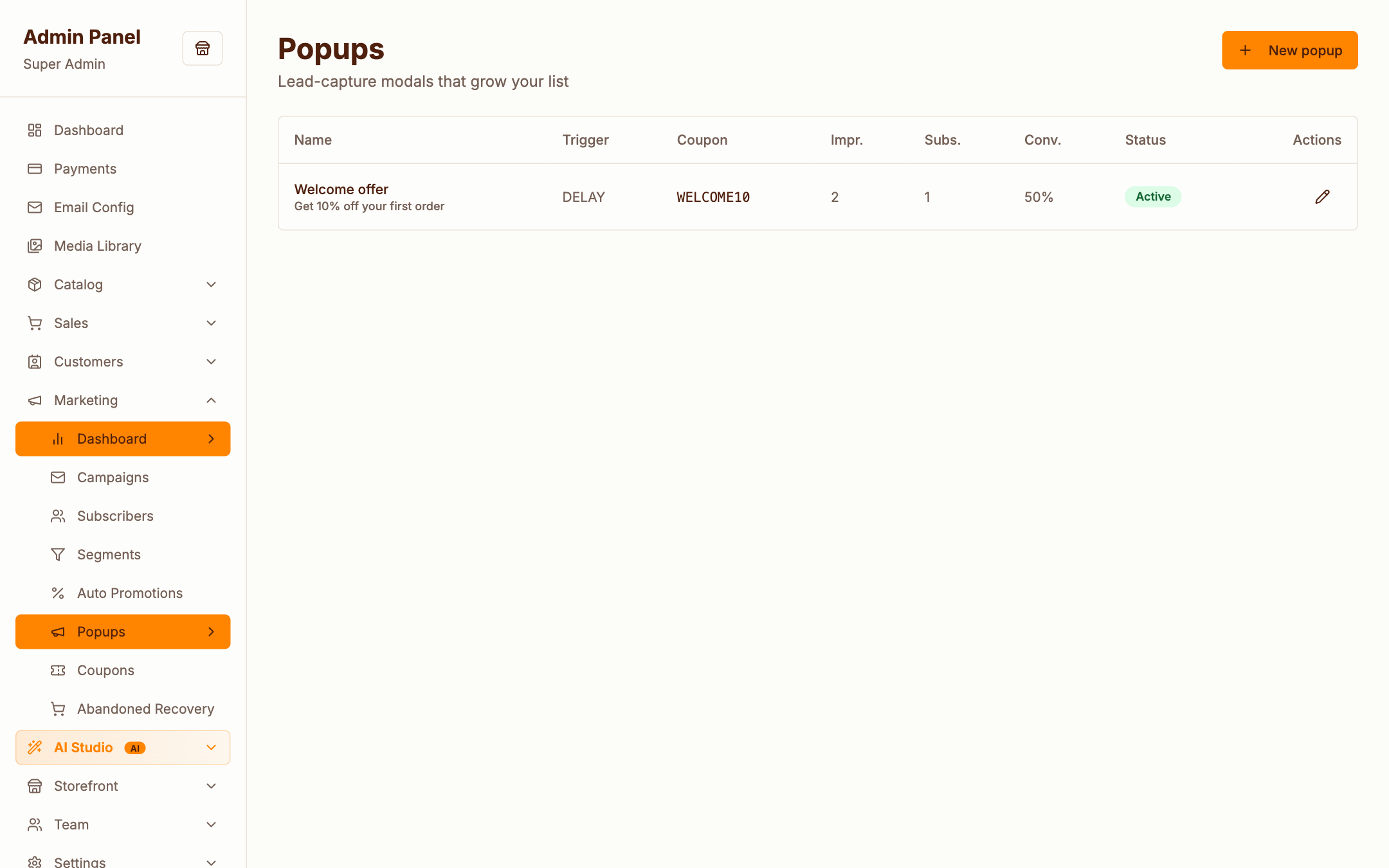
Behavioural popups on the storefront: newsletter capture, coupon offers, announcements. Choose a trigger — time delay, scroll depth or exit intent — plus display rules and frequency capping.