Catalog
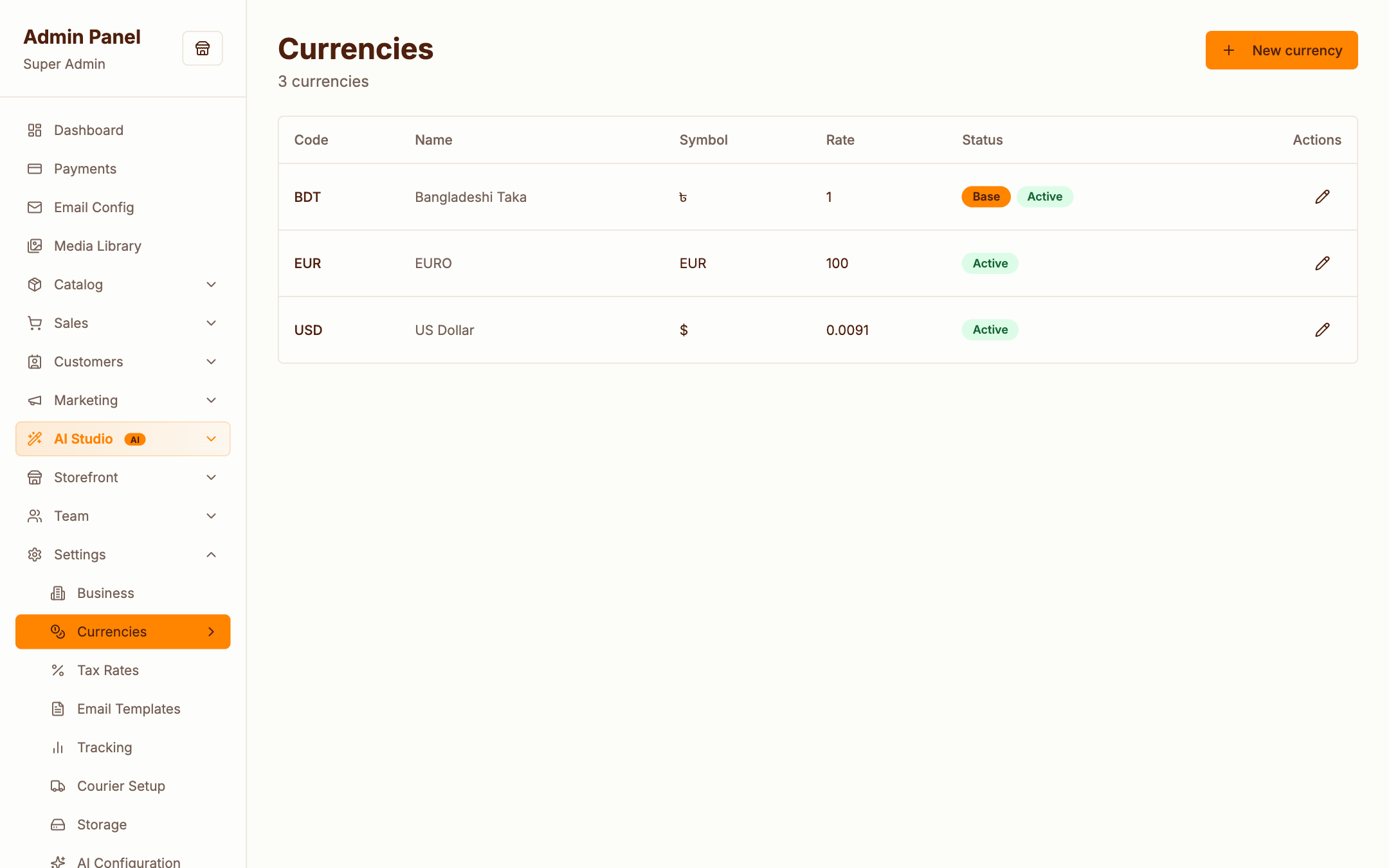
Everything your store sells lives under Catalog: products, the categories and brands that organise them, and the attributes customers filter by.
Products
Admin → Catalog → Products
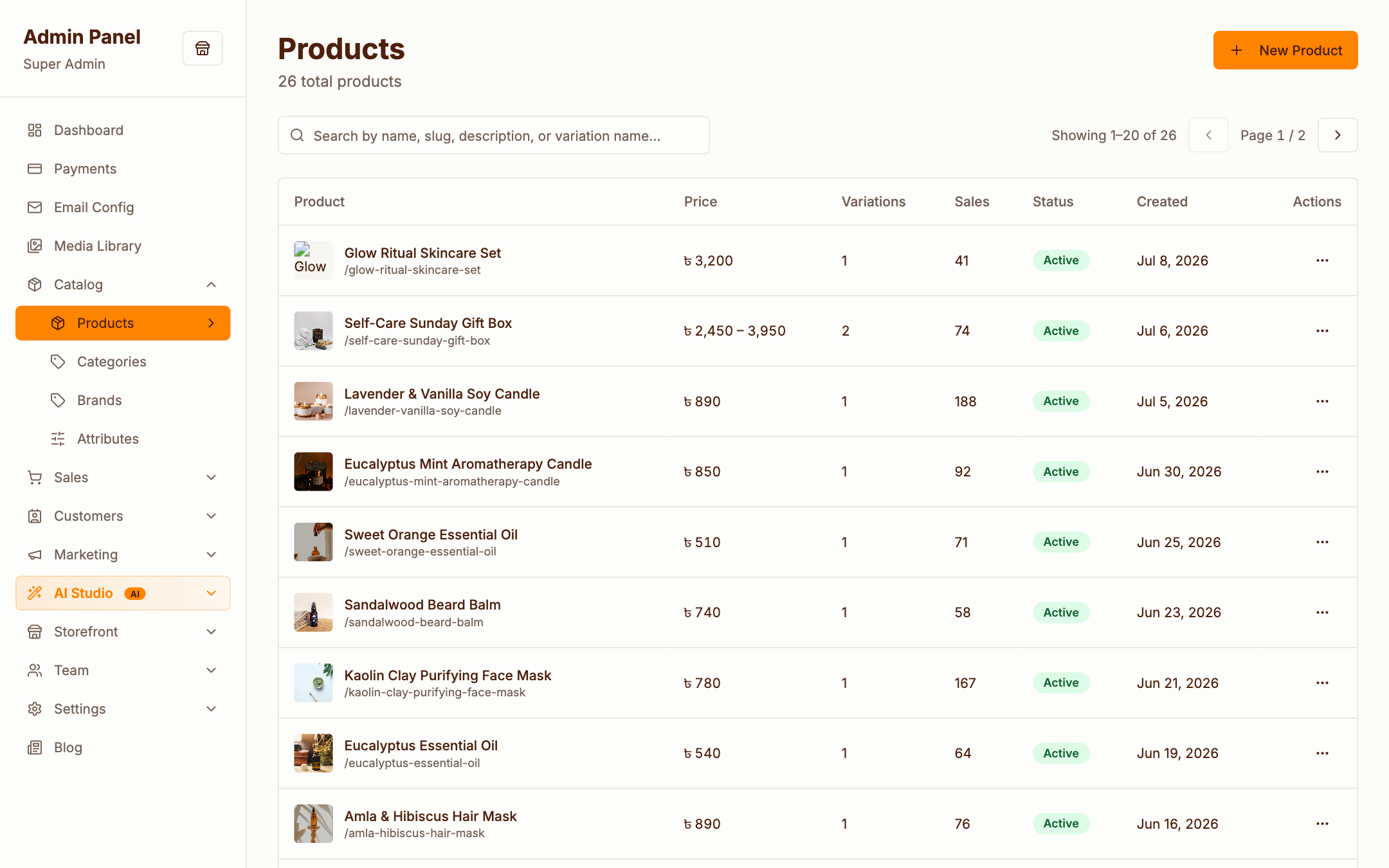
The product list shows stock, price, status and quick actions. Use the search box and filters to find anything fast; duplicate a product to reuse it as a template.
Creating a product
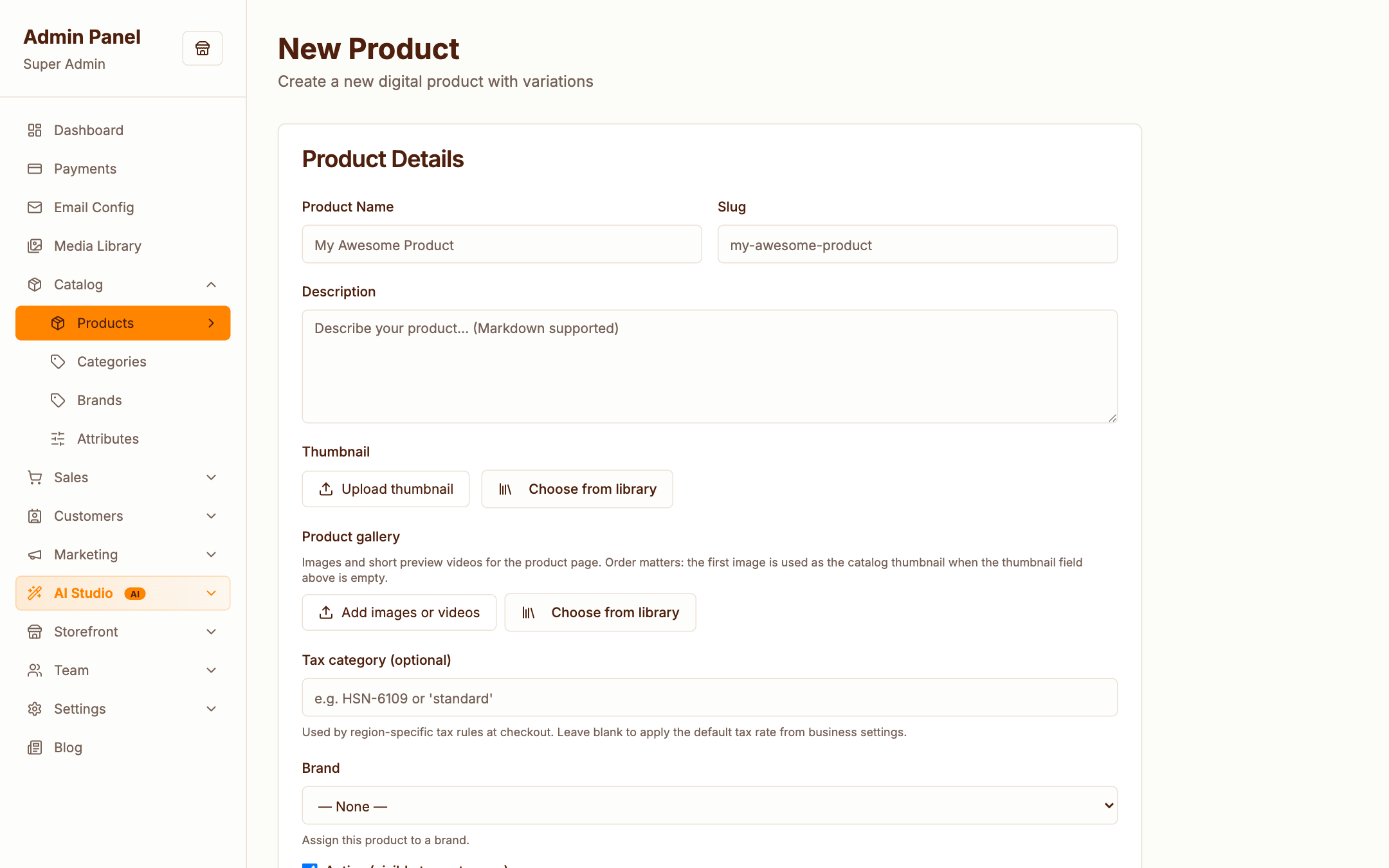
A product is built from:
- Basics — name, slug, description, category, brand
- Pricing — regular price, optional sale price
- Variations — combine attributes (size, colour, scent…) into purchasable variants, each with its own price, SKU and stock
- Media — images from the Media Library
- SEO — meta title & description
AI assist
With Claude configured, the product form can draft titles, descriptions and meta text for you — see AI Features. You always review before saving.
Categories
Admin → Catalog → Categories
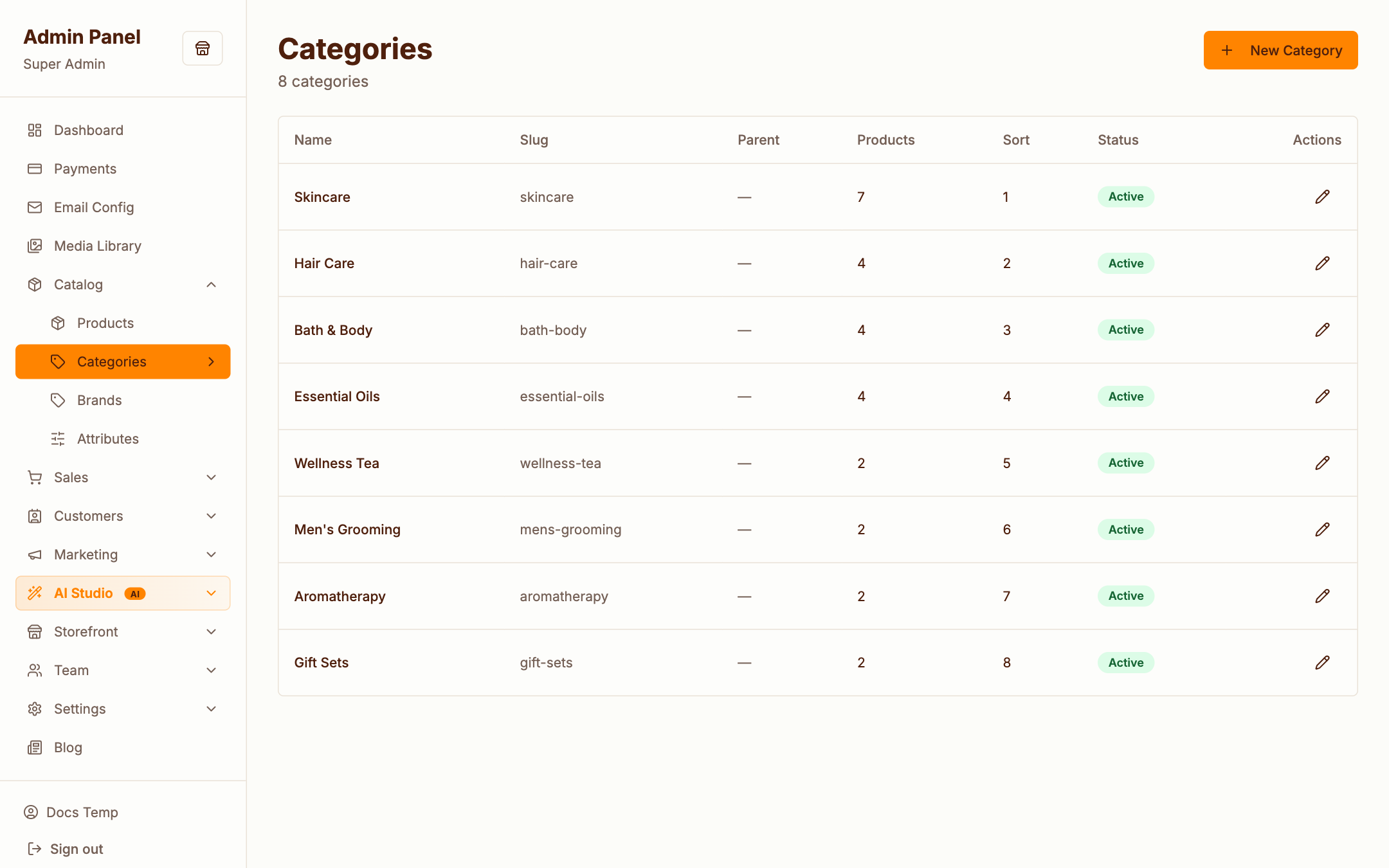
Categories power the storefront's "Shop by Category" sections and the catalog filters. Each category has a name, slug, image and ordering.
Brands
Admin → Catalog → Brands
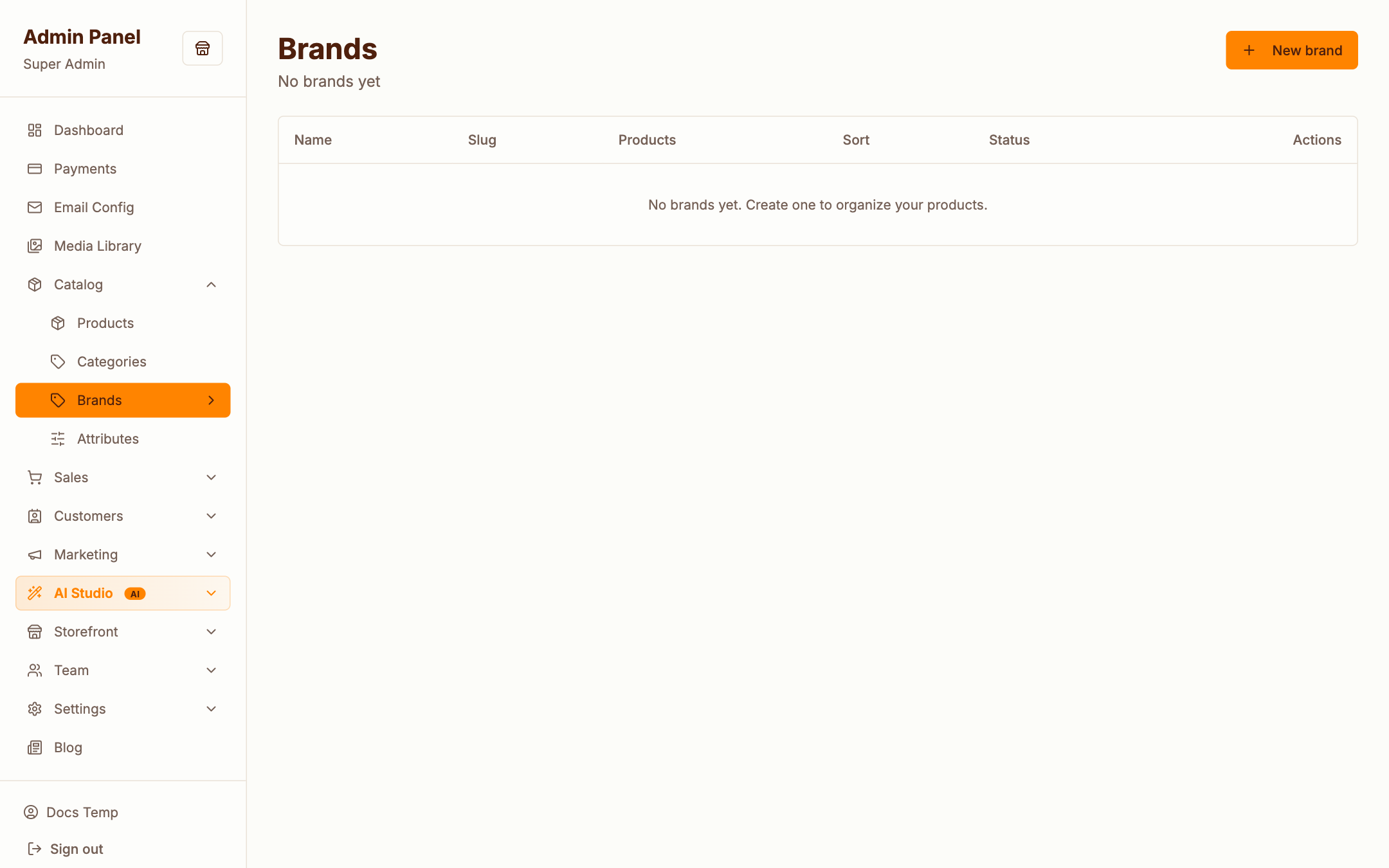
Brands get their own storefront landing pages at /products/brand/{slug} and appear as a filter facet.
Attributes
Admin → Catalog → Attributes
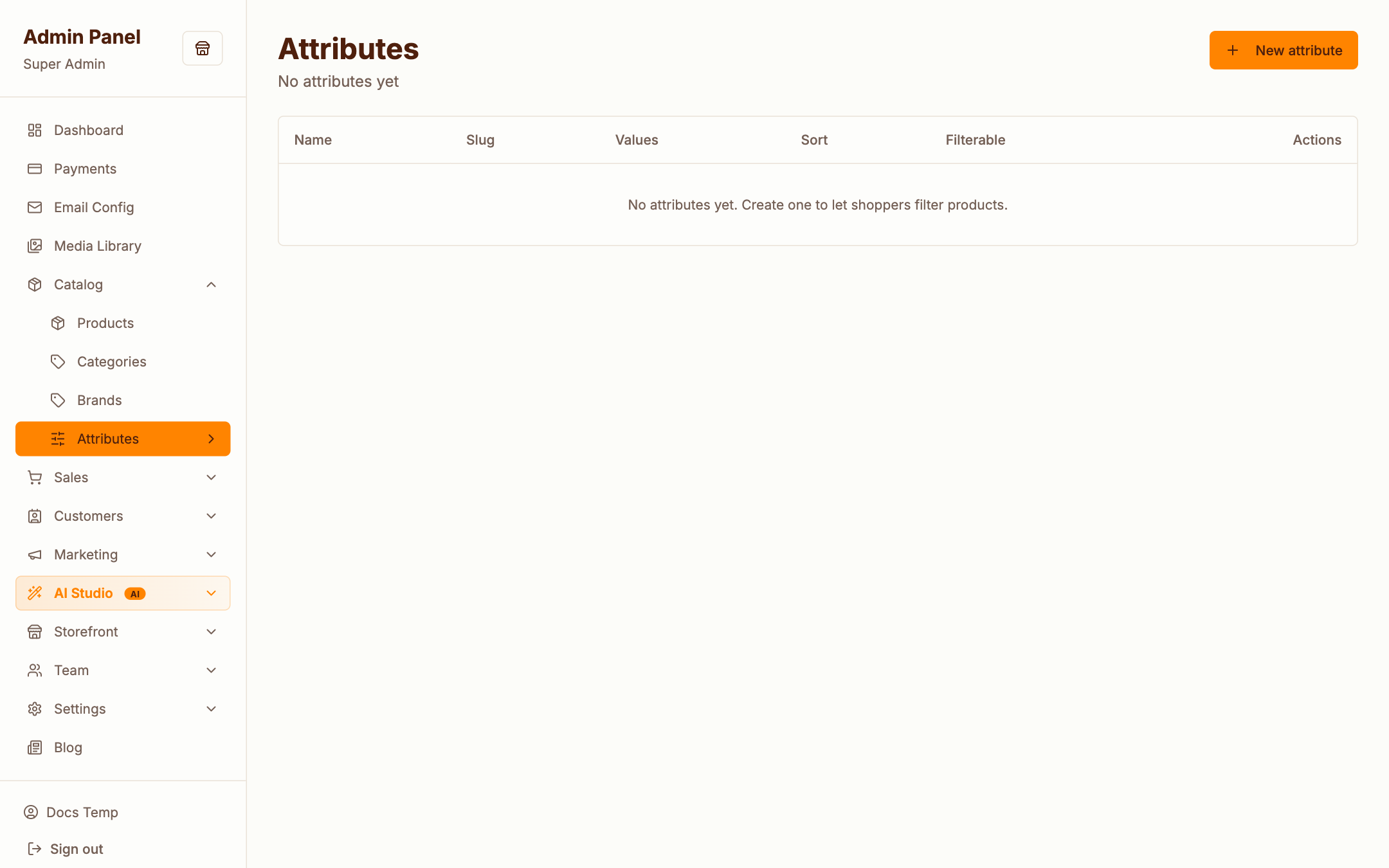
Attributes (e.g. Size, Colour, Skin type) do two jobs:
- Faceted filtering on the storefront catalog
- Variation axes when building product variants
Define the attribute, add its values, then use them on products.
Coupons
Admin → Catalog → Coupons
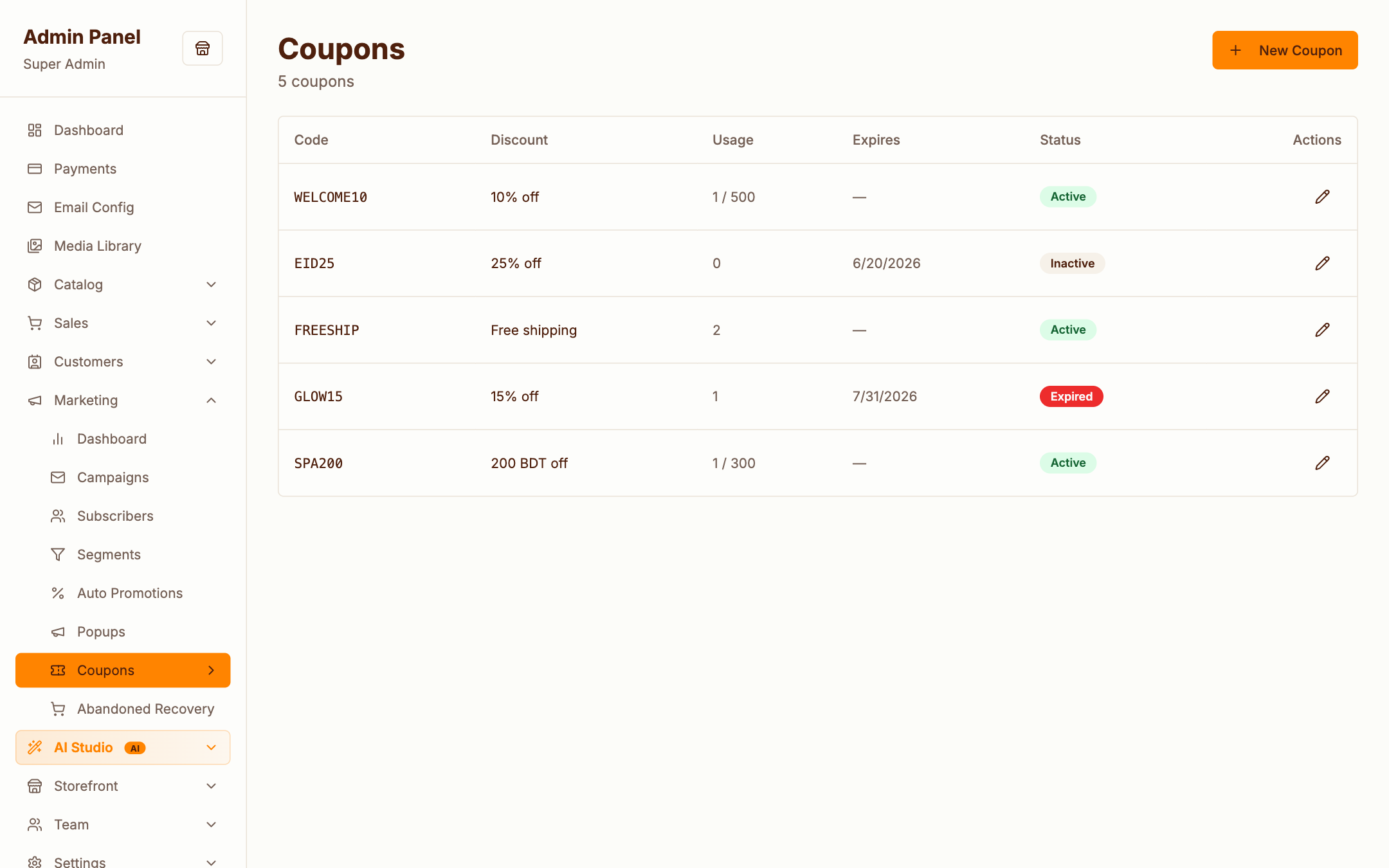
Coupons are codes customers type at checkout — percent or fixed amount, with usage limits, minimum subtotal and validity window. (For automatic discounts that need no code, use Promotions.)
Tax rates & currencies
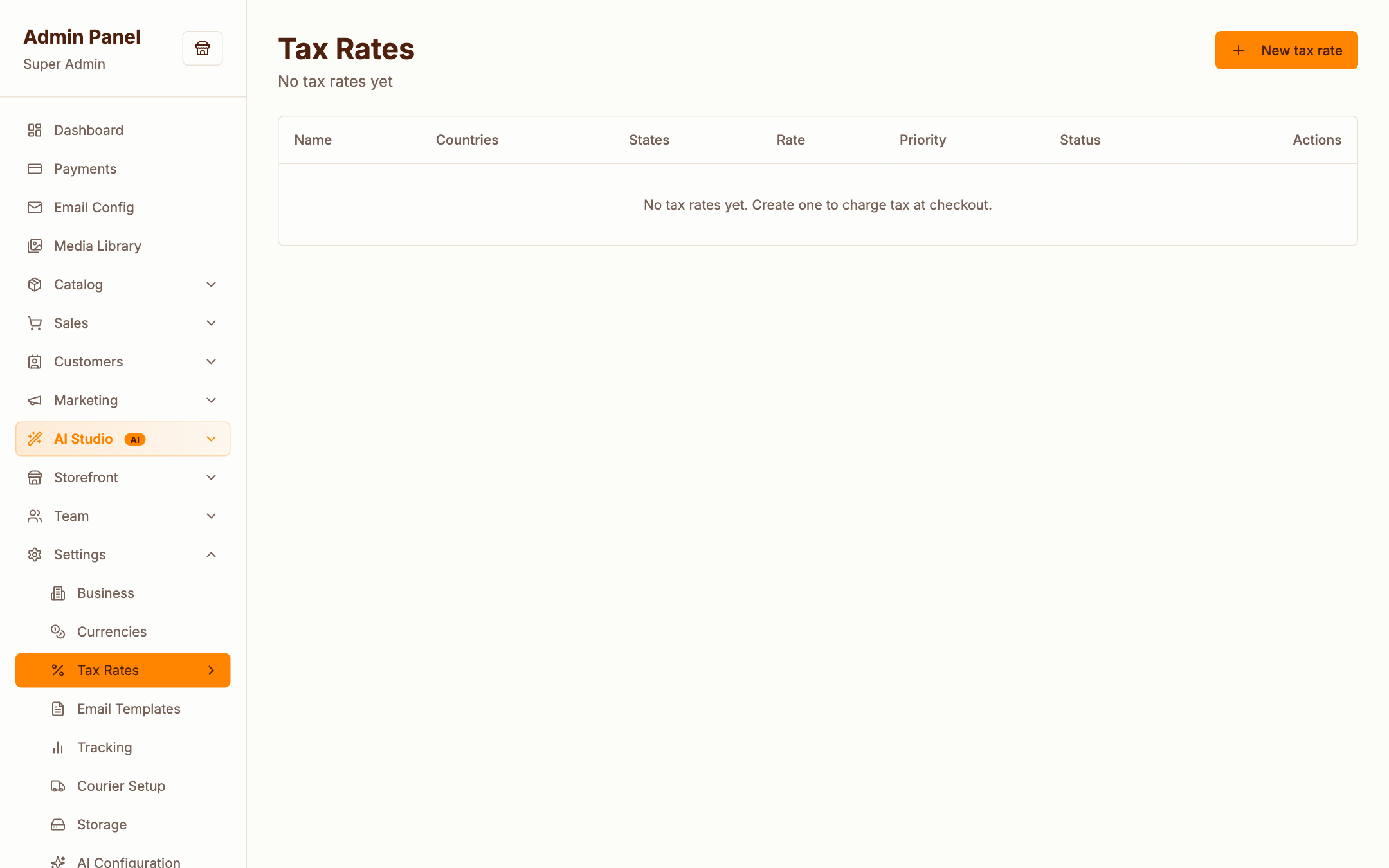
Tax rates — per country/region rates applied at checkout:
Currencies — base currency plus optional secondary currencies; refresh rates manually or automatically via php artisan currency:refresh: